
Translation Based Feathers
This is a guide to setup feathers like seen in the McDonald's fairies and dragons` dragons. (It's a double.. but grammatically correct)
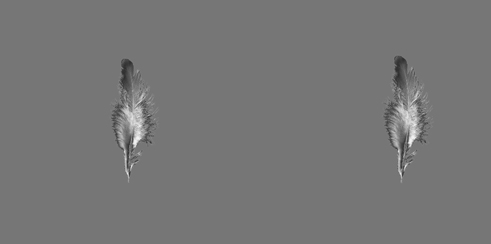
1: I create guide feathers (pic1) and the source feathers (pic2)
The source feathers are grouped and the pivot point placed at the root of the feathers.
You can also create a rig in the control feathers as well, explanation further along the tutorial on why.
pic 1: control feathers
pic 2: source feathers
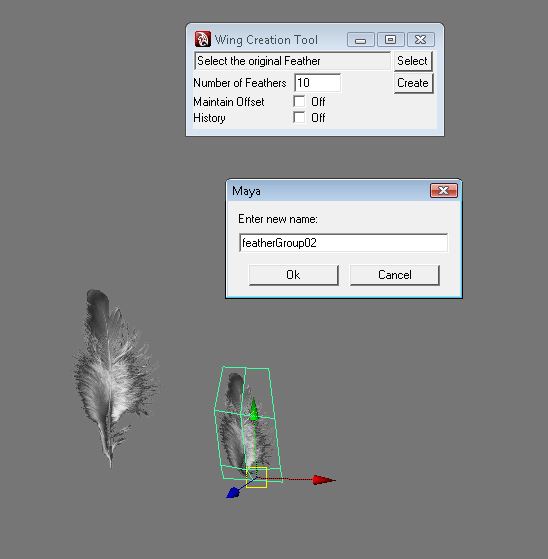
2: Now choose a group or master of one source feather and hit "select" on the tool. In this case I used featherGroup01.
I use a group so that later I can rotate and translate the feathers while keeping them in place and following properly.
3: I set the large override feather to have 10 across, and use the history option.
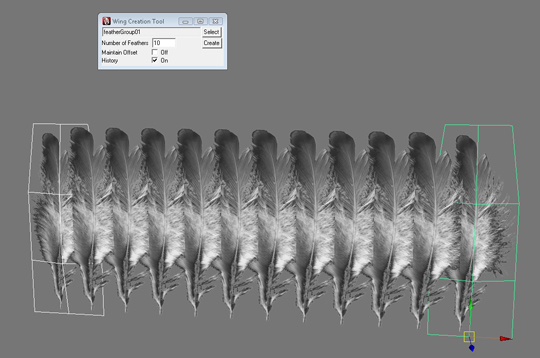
4: when history is selected it creates instances of the mesh instead of unique objects.
For the next step I just scale each feather to give it a wing shape.
*Note! When history is selected you need to highlight the objects you want and hit the up arrow to select only those meshes.
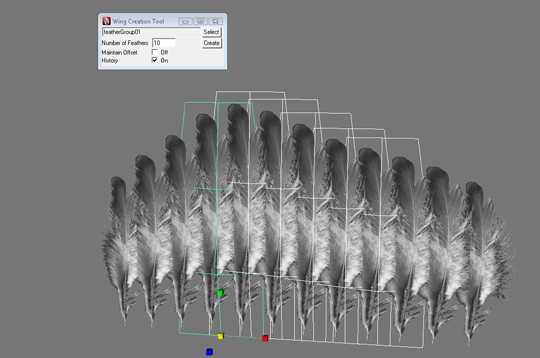
5: I created a second row of feathers, this time with the second source feather. Also used 11 across this time, scaled yet again.
The reason for 11 is to fill in the holes 10 created before.
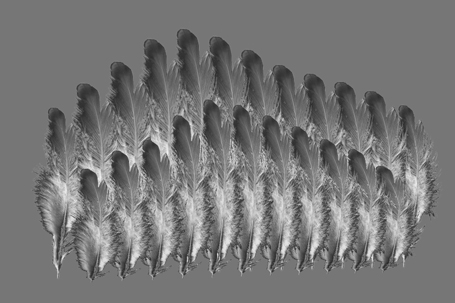
You can now translate and rotate the feathers to your heart's content! Just like any other Maya constraint, they must
be animated within reason, and usually if you make them go over 180 degree's a small explosion is likely!
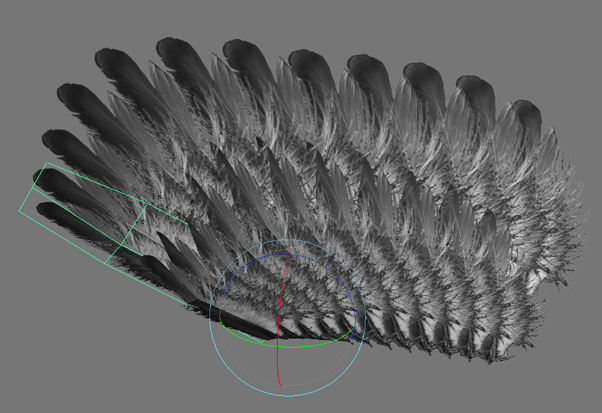
You can do as many feather layers as you want, this example has about 21, feathers in McDonalds there were over 300 per wing.
The wings also had about 5 control feathers, 1 at each joint.